Update
Install or roll back a release
Ctrl K
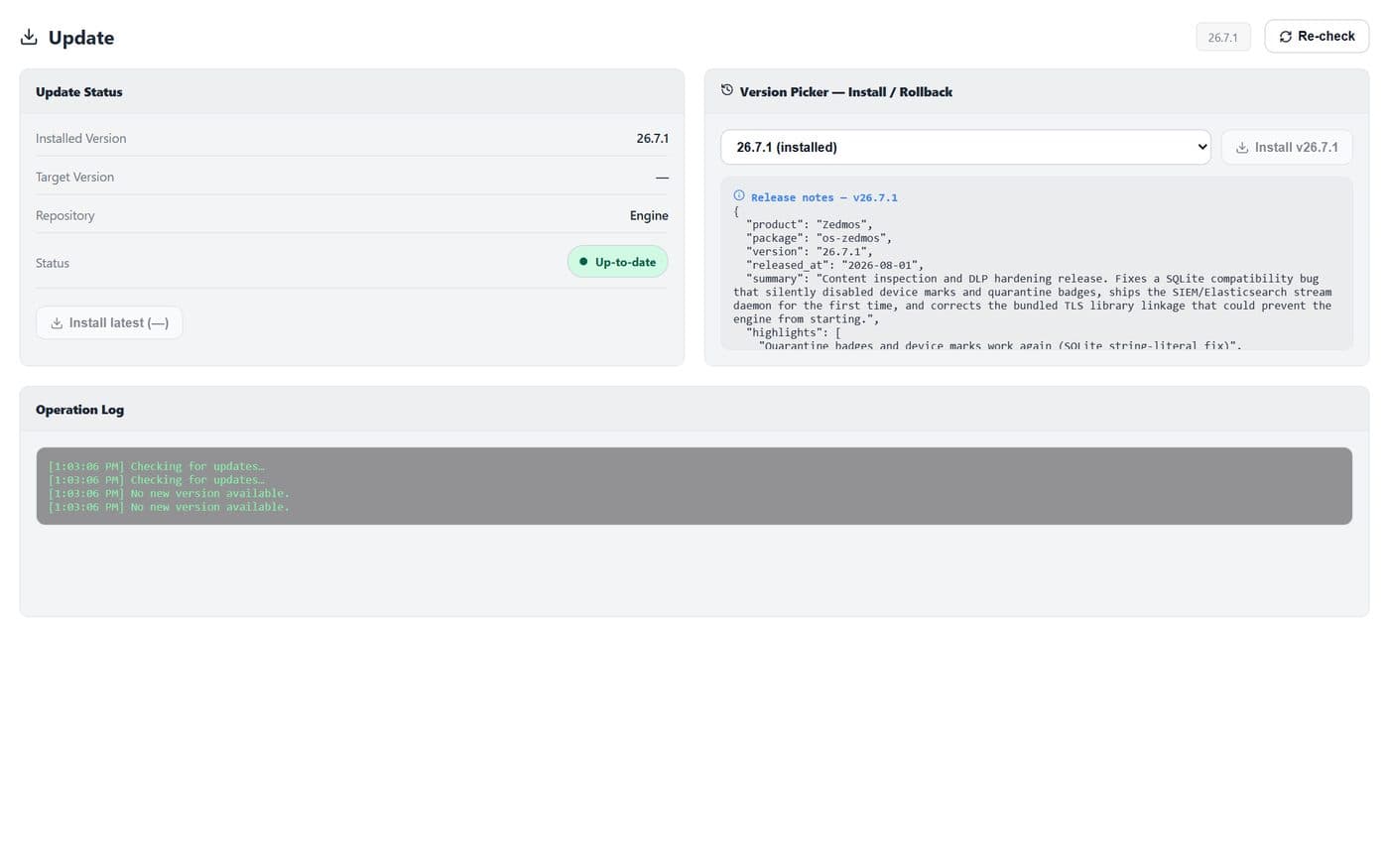
Version status, and the picker that installs or rolls back a release.
- 1
- 2
- 3
- 4
| # | Control | What it does · how · why |
|---|---|---|
| 1 | Update Statusgroup | The running version and whether a newer one is available. |
| 2 | Version pickerselect | Choose a version to install, or an earlier one to roll back to. |
| 3 | Install / Rollbackbutton | Applies the chosen version. The datapath restarts as part of the change. |
| 4 | Operation Loggroup | What the last operation did, step by step — the place to look when an update did not finish. |